Mobile
Reviewer app for iOS and Android — Cloud or hosted login, push, and deep links into a work item.
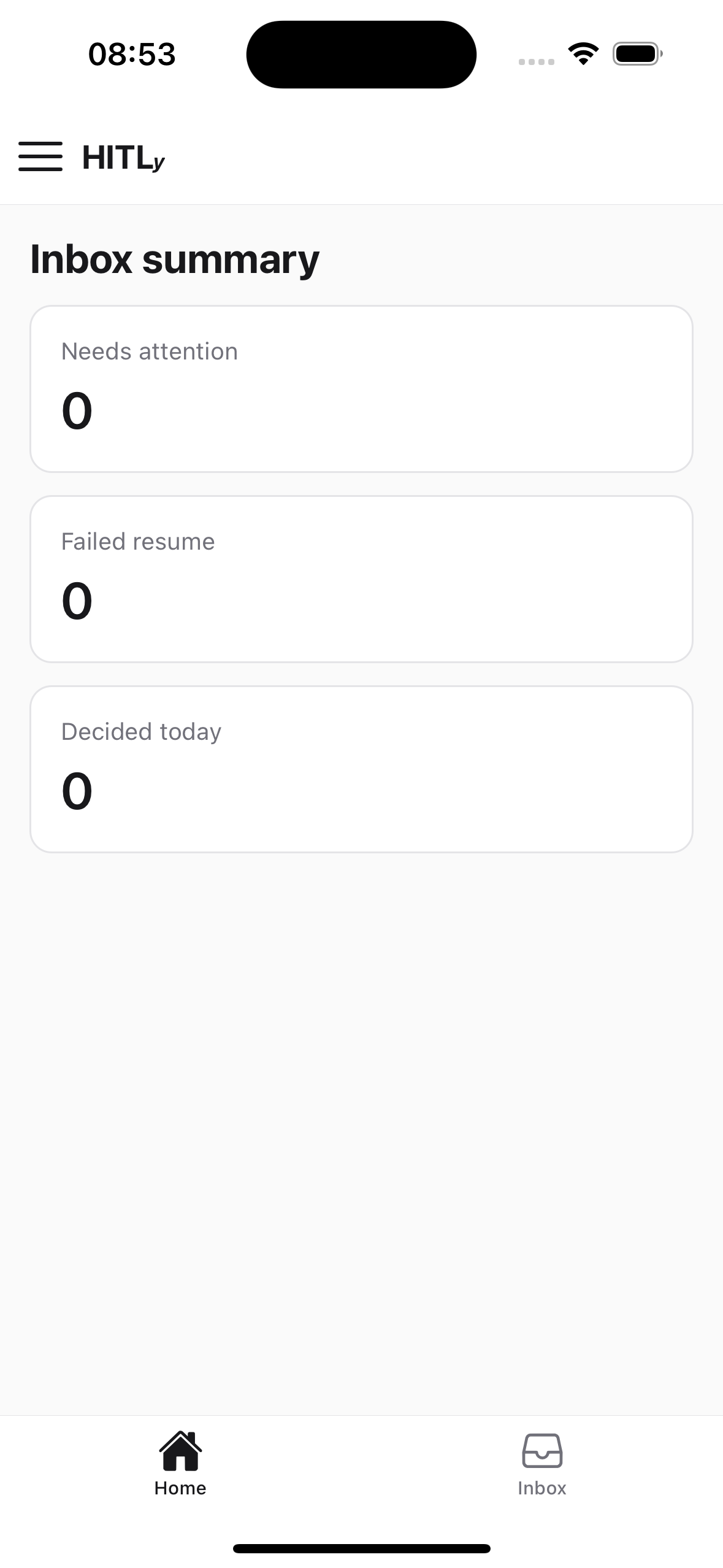
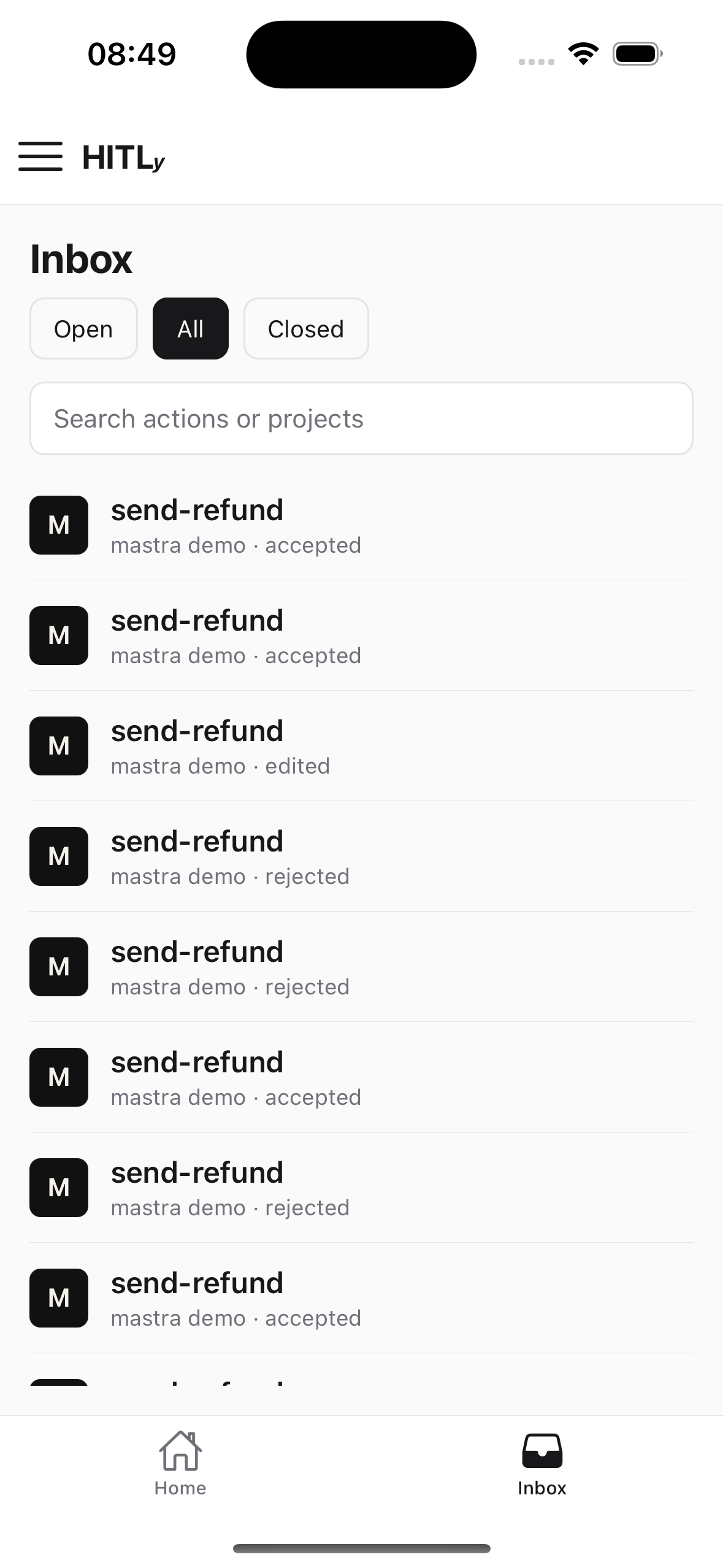
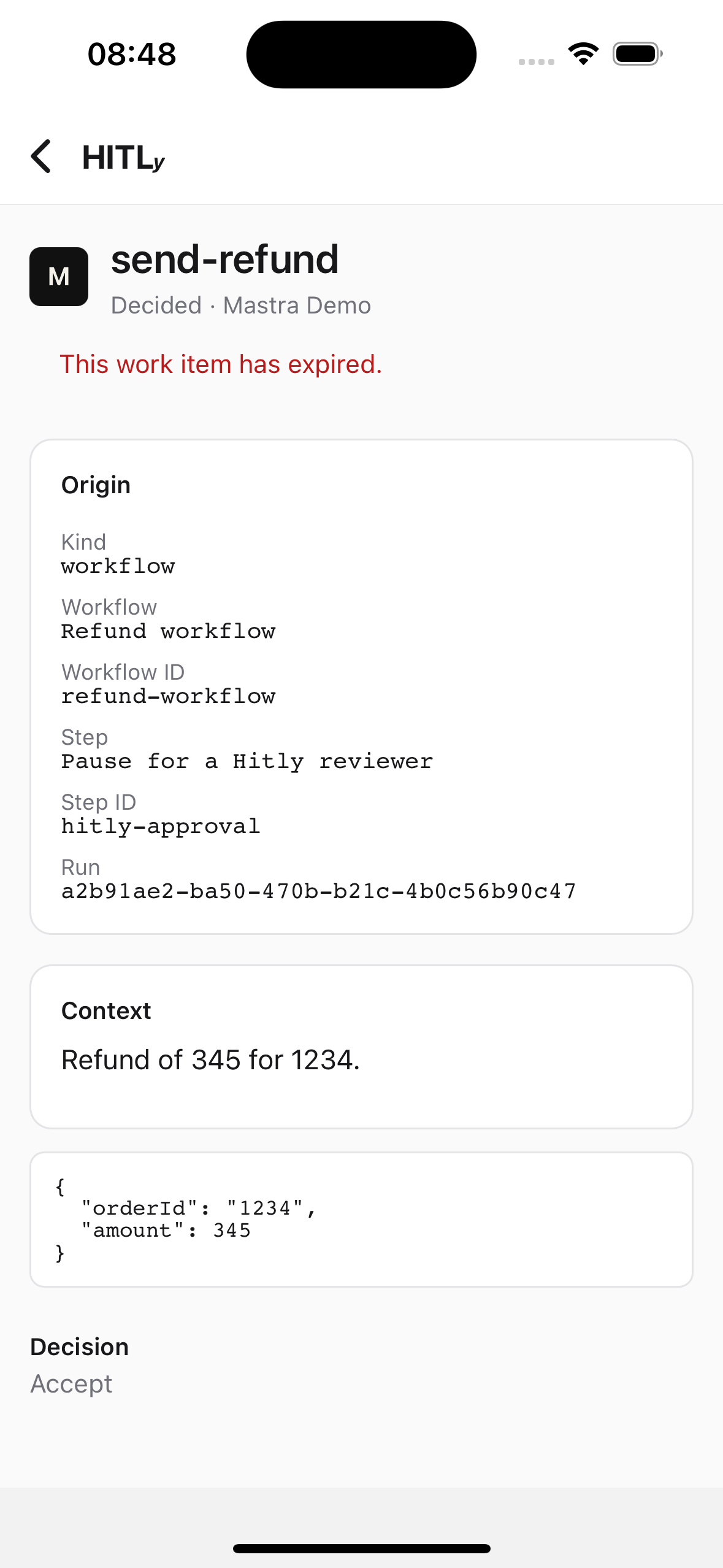
The HITLy mobile app is an Expo (React Native) client in apps/mobile. It signs into a self-hosted instance URL, receives device notifications, and opens the approval that needs a decision. (Cloud login at cloud.hitly.net is waitlist-only; join at hitly.net.)
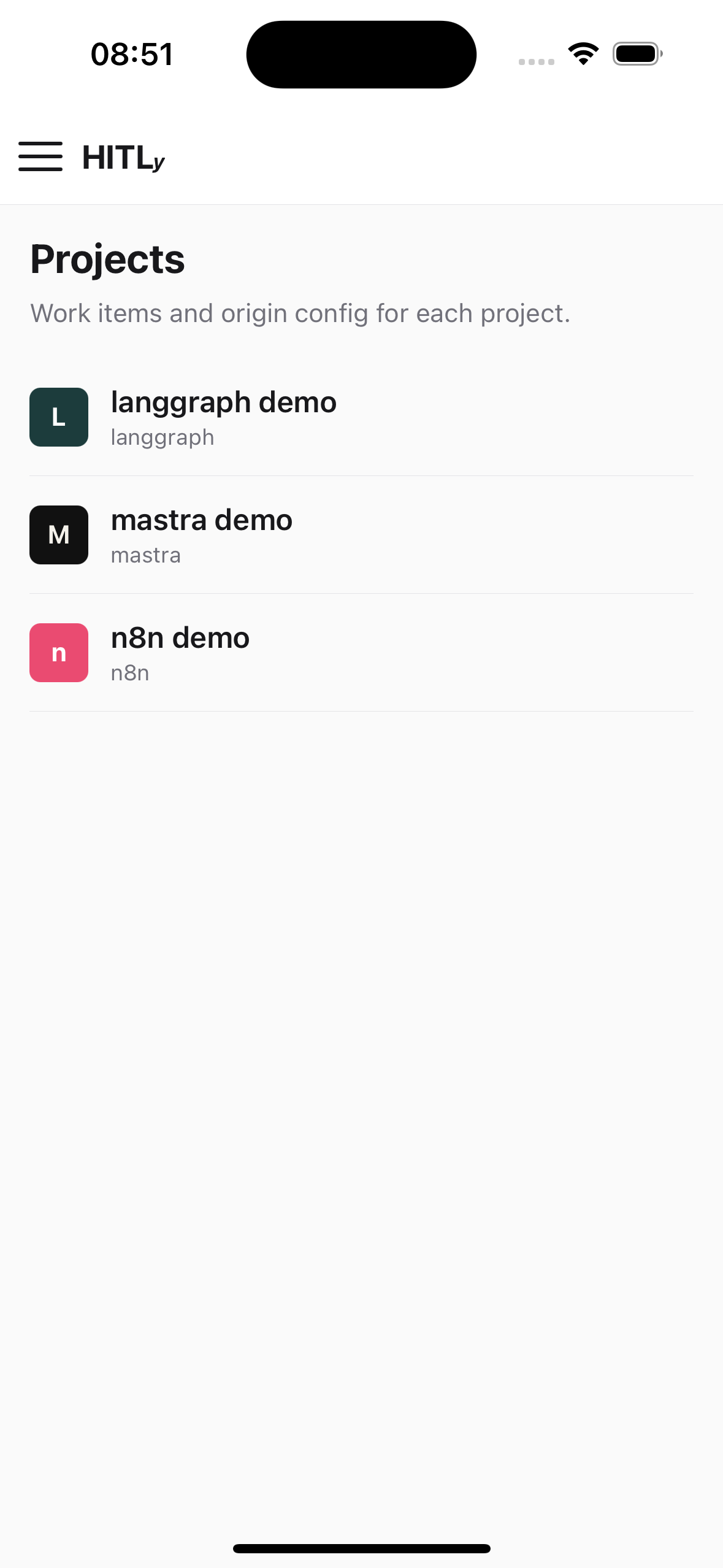
Web stays the admin surface for team, rules, people, logs, and API keys. Mobile also has workspace settings, a project list, project inbox, and project config (no key minting).
Login
- Choose Cloud or Hosted.
- Hosted: enter the instance origin. The app probes
GET /api/v1/health(productmust behitly). - Email and password against that origin’s Better Auth endpoints. The session token is stored on device and sent as
Authorization: Bearer.
Do not put a project API key (hitly_…) in the mobile app. Those keys are ingest-only.
Deep links
- Universal link (self-hosted):
http://localhost:3001/inbox/{approvalId} - Custom scheme:
hitly://inbox/{approvalId}?host={instanceUrl} - Push tap:
data.approvalId+data.instanceUrl
A mismatch between the signed-in instance and the link’s host prompts a switch.
Push
Assignees with a registered Expo token are pushed on ingest, in addition to email. Payload:
{
  "title": "HITLy: send-refund needs a decision",
  "body": "Acme refunds · expires in 15m",
  "data": { "type": "approval", "approvalId": "apr_…", "instanceUrl": "http://localhost:3001" }
}
Self-hosted instances send through Expo Push using tokens from the official app — no APNs/FCM certs on the operator side. ntfy is a later air-gap option.
Run
yarn dev:app
yarn dev:mobile
Reviewer HTTP contracts: API. Full component design: docs/mobile.md in the repo.